
1,59 € – 1,89 €
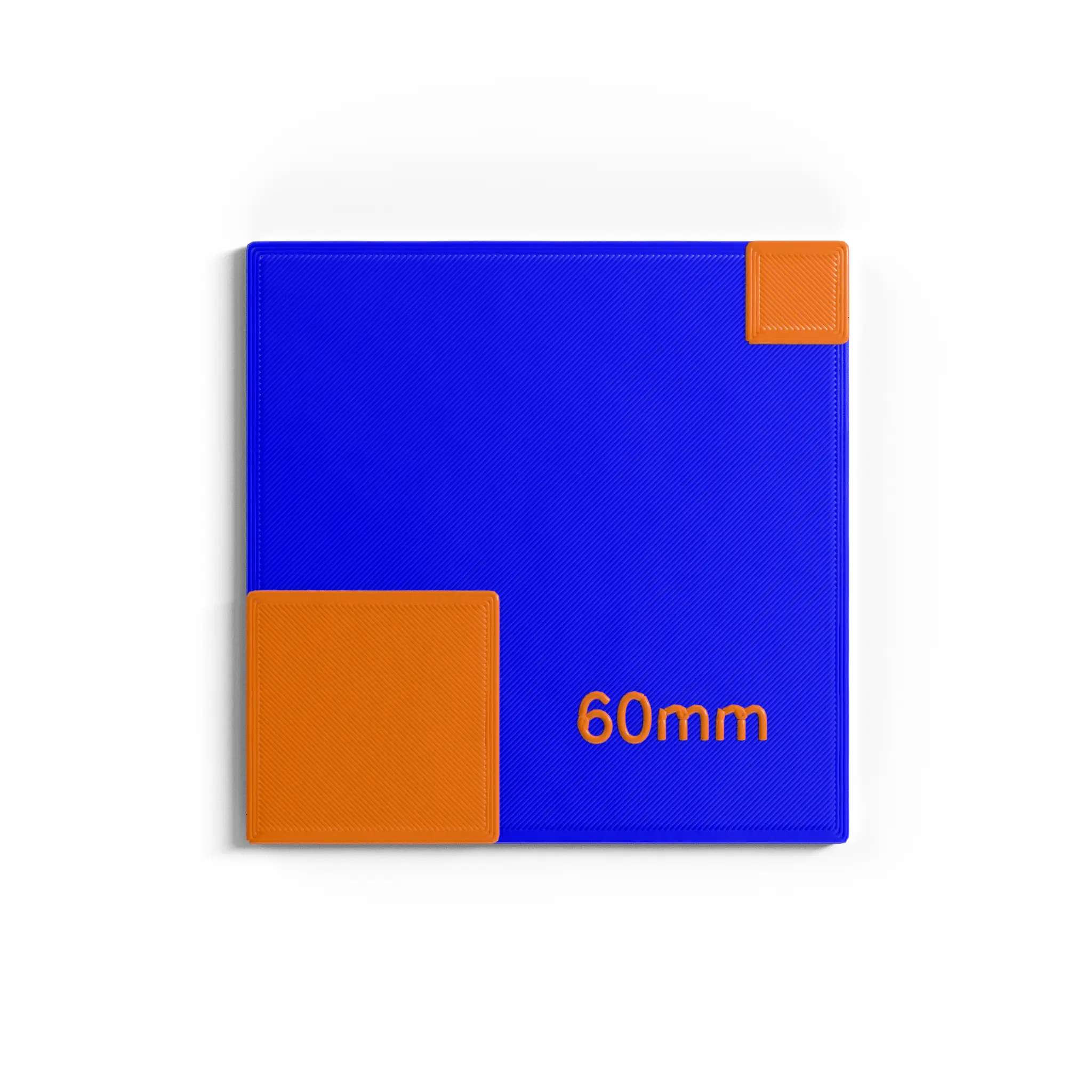
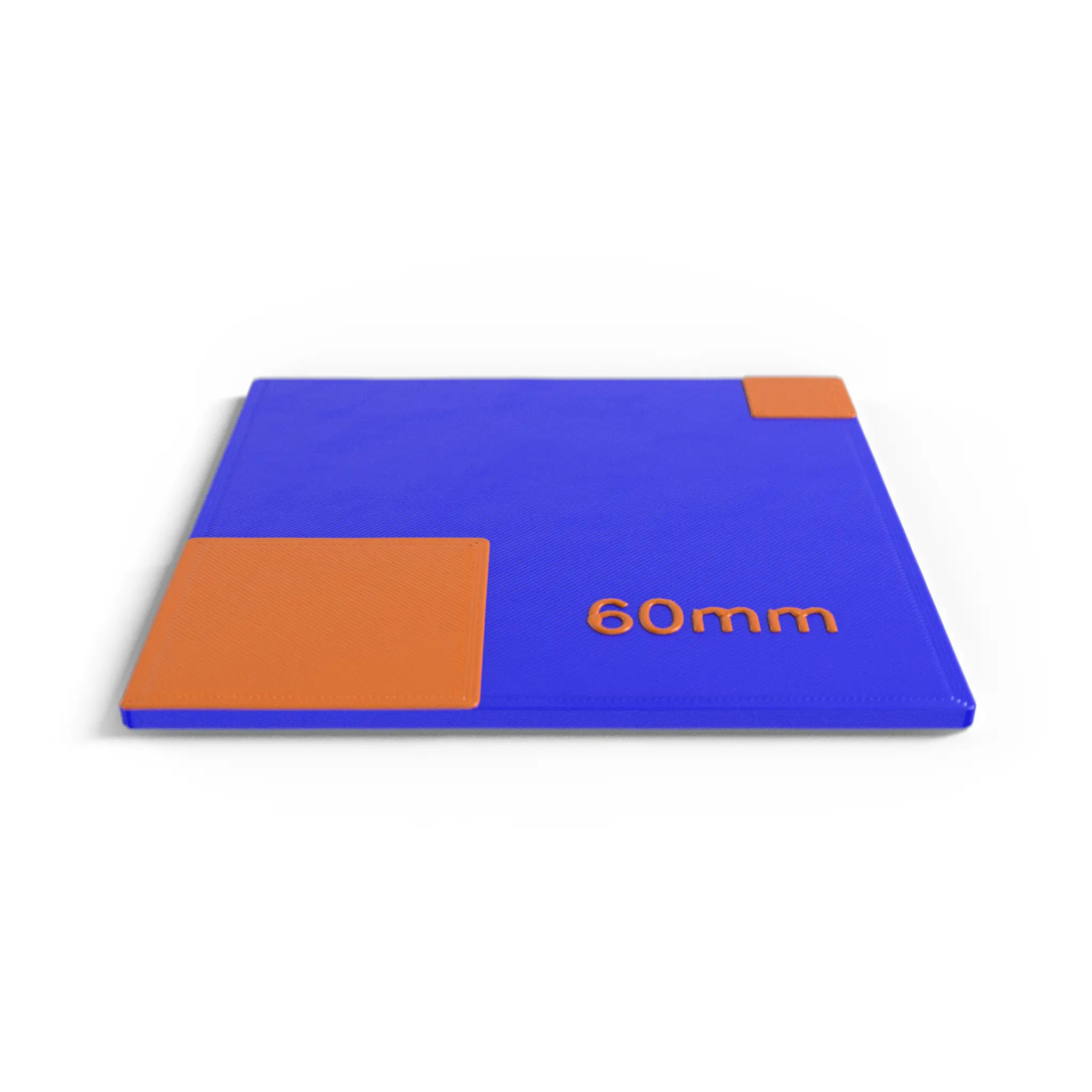
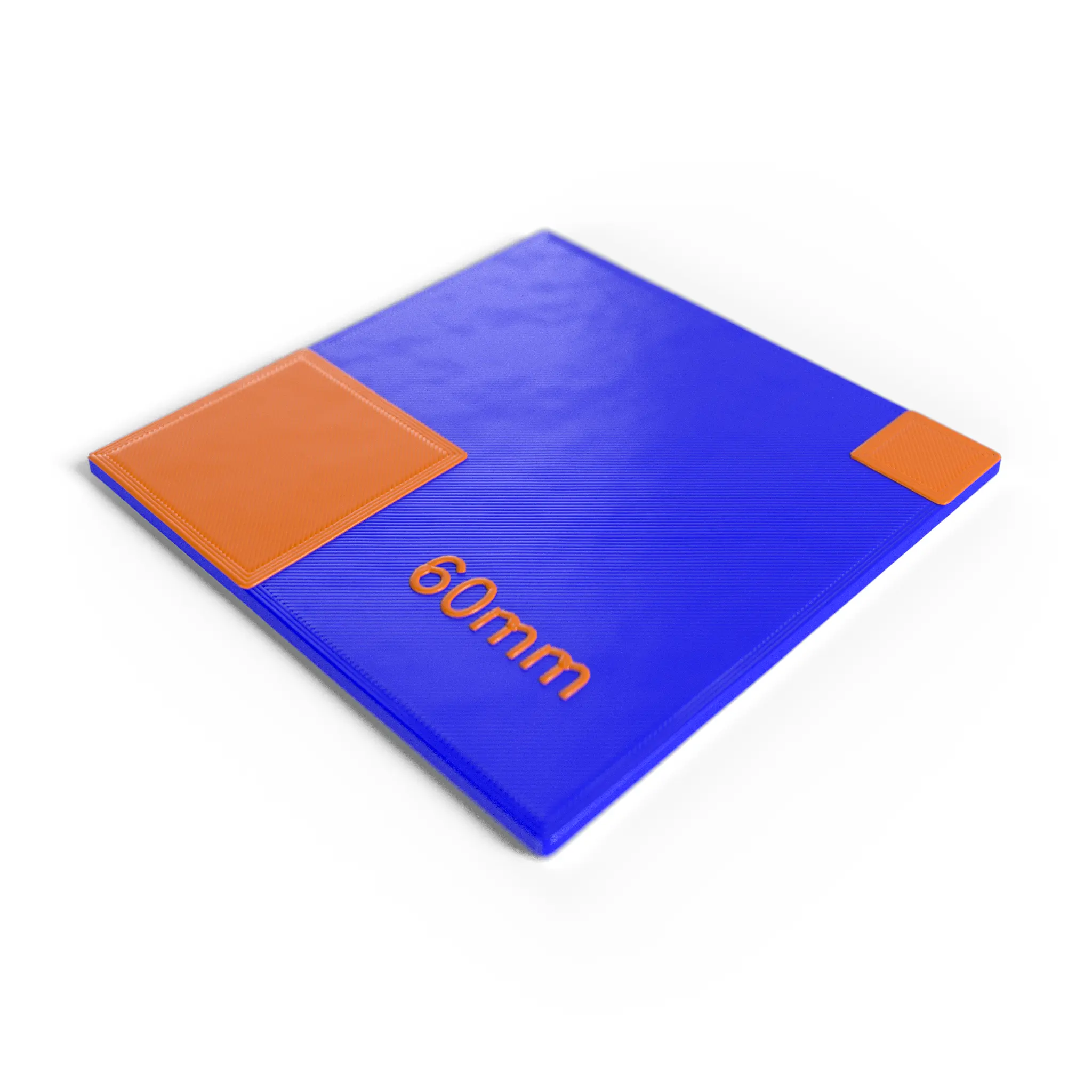
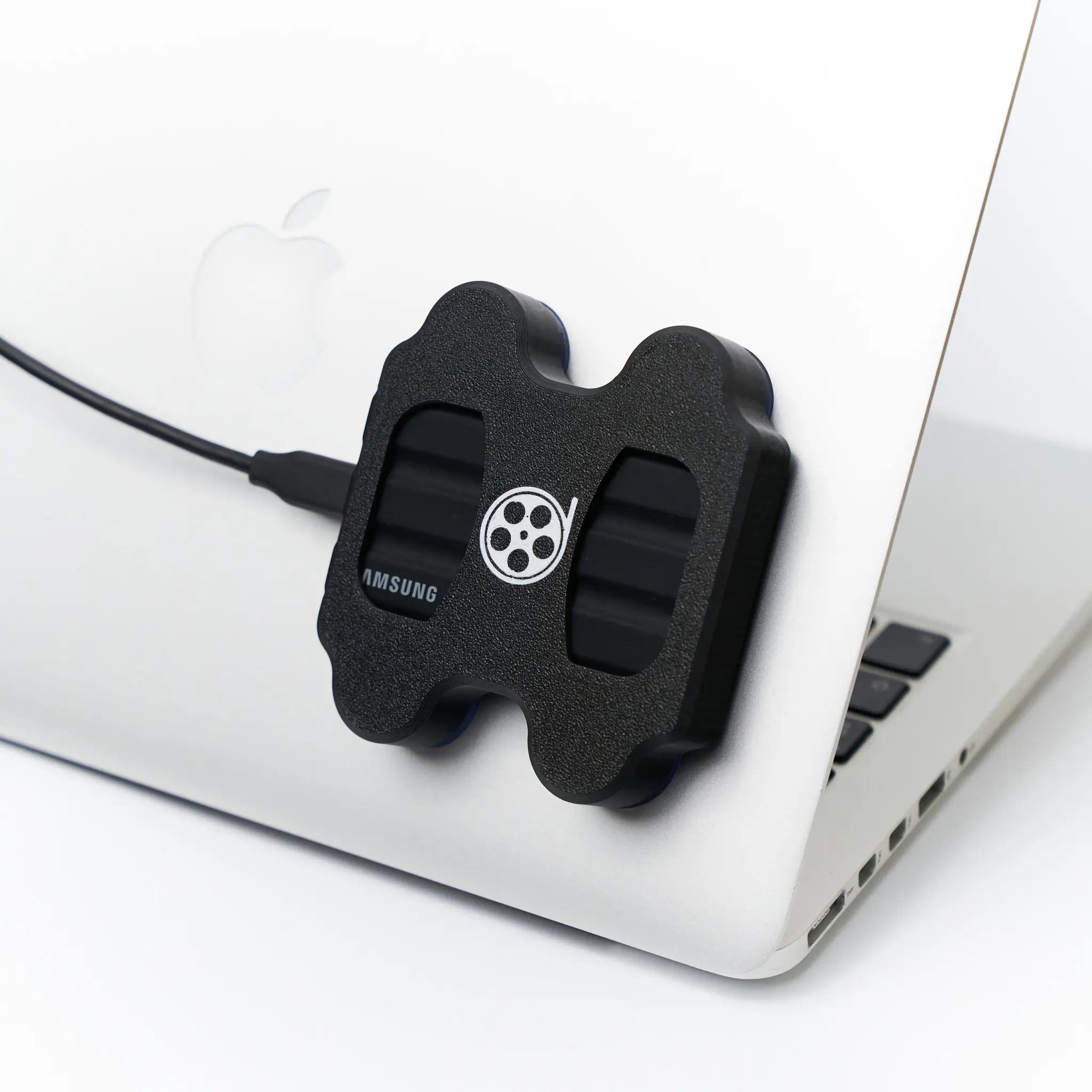
Matte blue square VFX tracking markers, ideal on green-screen stages for clean, keyable matchmove reference points.
Matte blue square tracking markers built for green-screen stages, where blue stays cleanly separated from the green key. They give your matchmove and roto teams unambiguous reference points for 3D camera tracking and compositing.
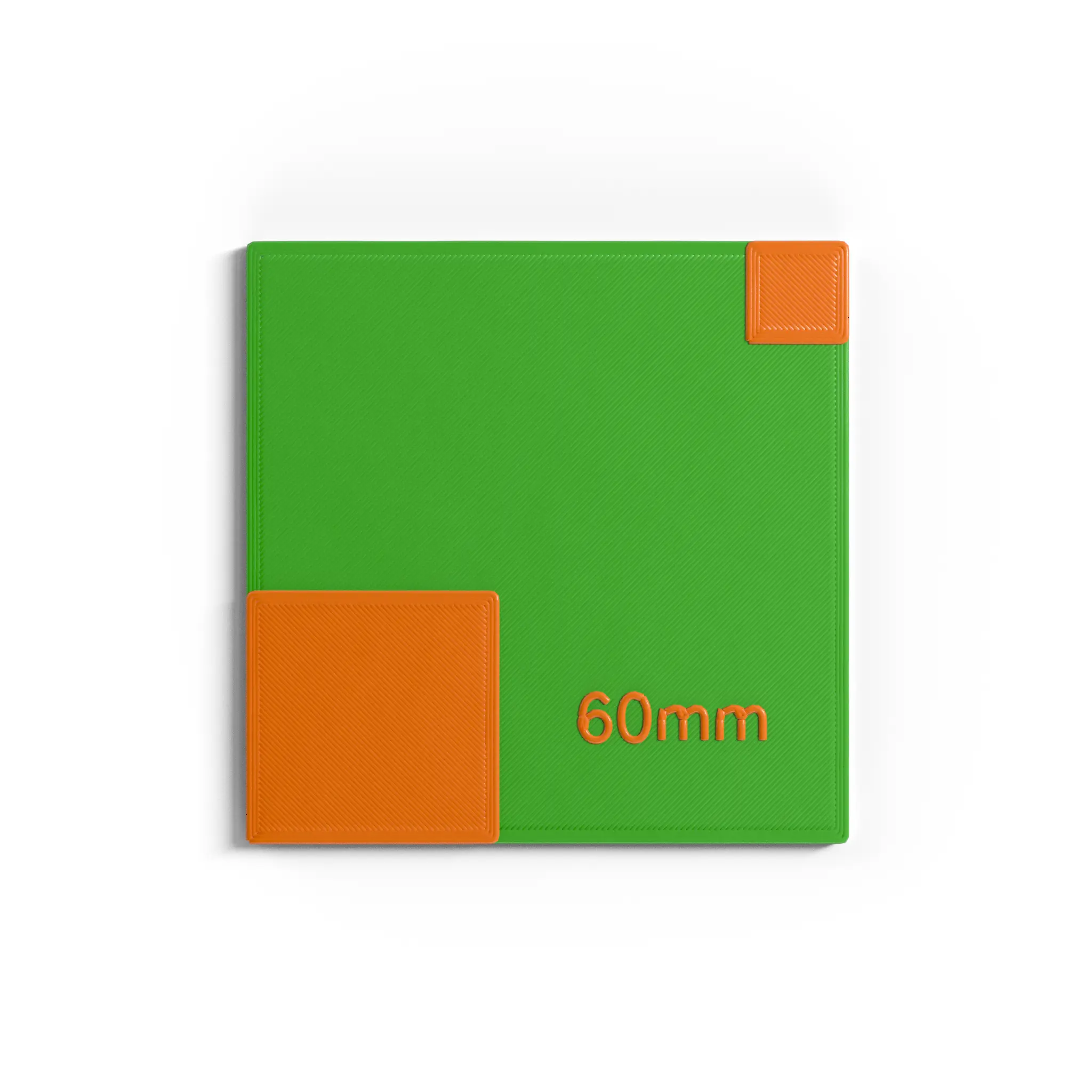
On a blue screen or a practical set instead? Use our green markers or black & white markers. See the product gallery for the sheet layout and marker sizes.
VFX tracking markers are high-contrast reference points placed in a scene so matchmoving and 3D camera-tracking software can calculate camera motion. They give the tracker fixed, identifiable points to follow, which produces a stable solve for compositing, set extensions and CG integration.
Pick the colour that contrasts most with your background. Black & white markers are the all-round choice for practical, real-world sets. Blue markers work best on green-screen stages, where blue stays separated from the green key. Green markers suit blue-screen stages and darker environments.
They use a matte, non-reflective finish. A flat finish avoids specular highlights and glare under set lighting and LED volumes, which keeps each marker centre clean and unambiguous for a more accurate track.
Yes. They use a removable adhesive that releases cleanly from most smooth surfaces. As with any adhesive, test on delicate or porous surfaces first.
Yes. The matte finish reduces reflections from LED walls, so the markers stay readable for the tracking solve on virtual-production stages.
Distribute enough markers across the frame and across depth – foreground, mid-ground and background – so the tracker always has well-spread points to follow as the camera moves. Add more coverage on featureless surfaces for a more stable solve.
| Weight | 0,02 kg |
|---|---|
| Dimensions | 6 × 6 × 0,2 cm |
| Mounting | Velcro, Magnetic, Adhesive |
Only logged in customers who have purchased this product may leave a review.

Kein Mehrwertsteuerausweis, da Kleinunternehmer nach §19 (1) UStG.
Reviews
There are no reviews yet.